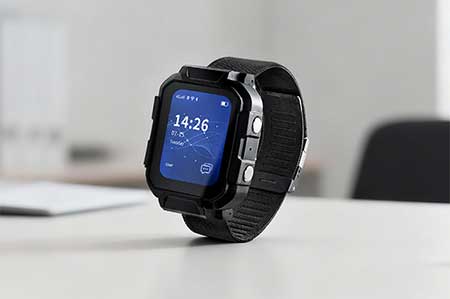
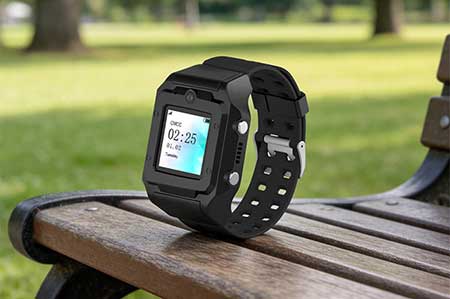
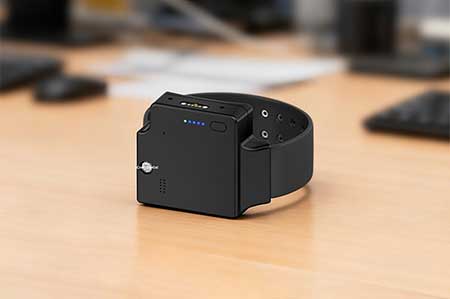
Traxbean GPS Tracking System supports sending text, pictures, AI voice broadcasts and more to a single or multiple people through its device management function (hardware required) . This means that in addition to location tracking, users can also use this system for richer information interaction. For example, if you need to send specific on-site photos to outdoor workers, or send pictures with instructions in an emergency, the system can do it.
In this article, we will detail how to send pictures to Tracking devices through the Traxbean GPS Tracking System. We will walk you through the process of sending an image step by step, including how to prepare the image, how to select the receiving device through the system, and how to ensure that the image is successfully sent and received. With these steps, you will be able to take full advantage of the Traxbean system’s capabilities to improve communication efficiency and responsiveness.