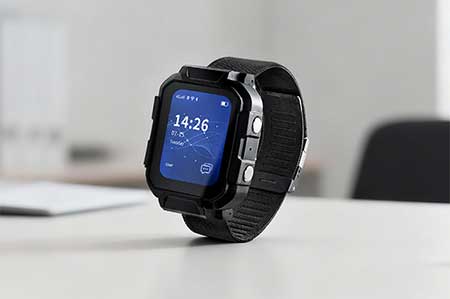
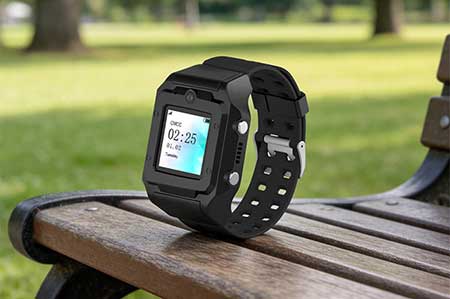
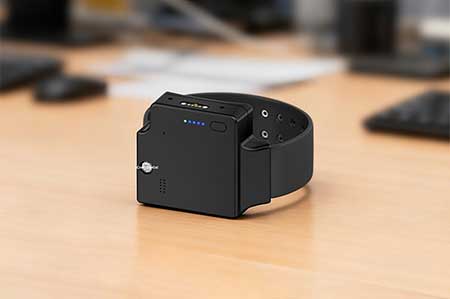
In a Traxbean GPS Tracking system, “Targets” usually refers to the individual or object you want to track and monitor. These targets can be people, vehicles, pets, or any other significant asset. Tagging these Targets is an important organizational tool that can help you more effectively manage and identify multiple tracking devices in your system. Labels can be created based on attributes of the target, such as the target’s type, owner, location, or any other relevant classification criteria.
By tagging Targets, you can quickly filter and find specific groups or individual devices, making your operation more efficient and responsive. The video shows you how to add and manage tags for your Targets in the Traxbean GPS Tracking system, including detailed steps and best practices. With these instructions, you will be able to take full advantage of tagging capabilities to enhance the usability of your system and the accuracy of your tracking.