How to set Target information in the Traxbean GPS Tracking System

Cooper

How to set Target information in the Traxbean GPS Tracking System

Setting up target information is a key step when using the Traxbean GPS Tracking system, allowing system users to define and monitor the location and status of a particular individual or asset. This can not only help improve security, but also optimize resource allocation and response times. By precisely setting the target information, users can ensure the effectiveness of the system and the accuracy of monitoring.

This guide details how to set up target information in the Traxbean GPS Tracking system, including adding new targets, editing the details of existing targets, and managing the target list. Whether you’re monitoring family members, business assets, or community members, these steps will give you the necessary guidance to ensure you can take full advantage of the power of the Traxbean system.
  • Rugged Water Proof Smartwatch

    Rugged Water Proof Smartwatch

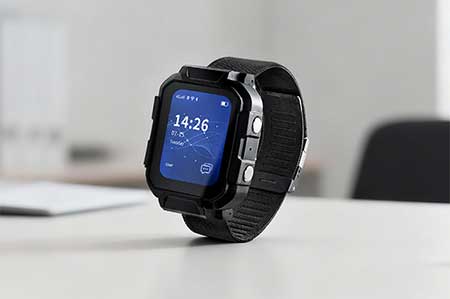
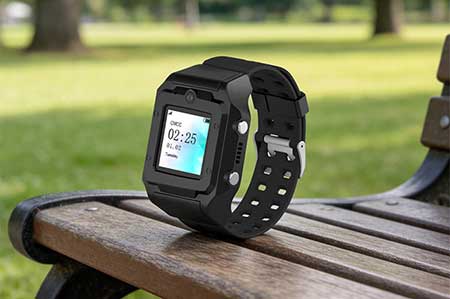
    MT4 Rugged Waterproof Smartwatch – AI-powered wearable for smart construction and mining management with real-time safety alerts and workforce tracking.
  • Electronic Bracelet Tracker

    Electronic Bracelet Tracker

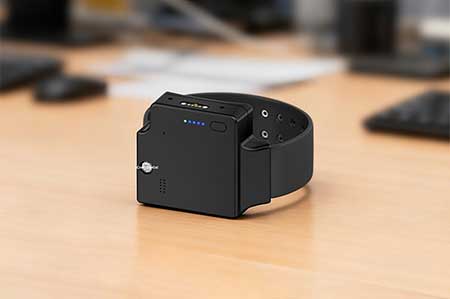
    PT880 4G Electronic Bracelet Tracker with GPS real-time tracking, tamper alert, and text & voice messaging support for pretrial and community supervision.
  • Electronic Ankle Monitor

    Electronic Ankle Monitor

    TR40 TR40 Electronic Ankle Monitor – A GPS ankle monitor with tamper-proof design and electronic fence. Ideal for pretrial monitoring, bail, community corrections, home arrest, and wander monitoring.