//flash tool/ firmware/Android
Click on the link to download the refresh software, drivers and tutorials on how to update the firmware of our smartwatch or GPS tracker.
DownloadFlash softwareDriverGuidelineFlash software
Driver
Guideline
Flash-Guideline-for-GPS-tracker
//flash tool/firmware/Android/smart watch
Brushing steps are as follows:
1. Open the Device Manager window of Windows.
2. Open the Flash tool Upgradedownload.
3. Press Load Packet to select the packet file, for example, firmware.pac.
4. Press “Setting” to configure brush parameters;
5. Click Home and set ports to All and baud rate to 460800.
6. Select Options and select Power Off.
7. Click “Ready”.
8. You need a 4 or 5 pin brush wire to brush the firmware;
9. Turn off the power of the smartwatch before swiping. Press the top button to make sure the watch is off; 10. Connect the brush wire to the computer. Press and hold the lower button of the watch and connect it to the data cable;
11. Hold down the lower button of the smartwatch, connect the brush cable, and release the lower button until the Flash tool displays the blue process bar. (GPS locator only needs to be turned off, do not need to press the button and then connect the brush line);
12. After connecting the brush cable, the “Device Manager” will refresh and display an additional “Port COM&LPT” device. (If the driver does not add any new “Port COM&LPT” devices, reinstall them);
13. After “Pass” is displayed on the process bar, unplug the brush cable.
14. “Device Manager” will be refreshed after removing the brush cable, and the extra “Port COM&LPT” device will disappear.
Note:
If the Device Manager does not respond when connecting or disconnecting the device from the computer and your smartwatch is not recognized as a “Port COM&LPT” device, you will need to reinstall the driver.
Please contact us to customize your GPS positioning product for further technical support.
//flash tool/firmware/Android/smart watch
Please click the link to watch the smartwatch display video
.
// smart watch/electronic monitoring device/gps watch
Introduce Our Products
ThinkRace, a leading manufacturer, specializes in comprehensive electronic monitoring solutions for the justice industry. We offer a range of products, including electronic restraints and smartwatches, designed to cater to the needs of offenders, law enforcement officers, and command personnel. Our hardware and software solutions are tailored to meet the critical business requirements of various stakeholders within the sector. Choose from our diverse product lineup to address your specific monitoring and security needs.
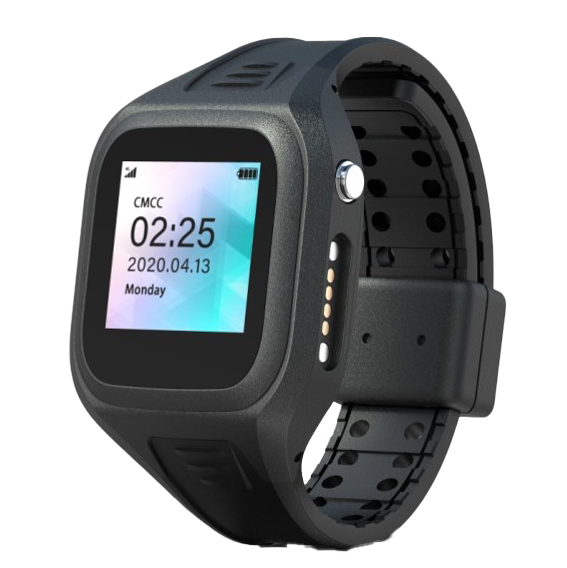
Wrist Bracelet
Wrist Bracelet for home confinement and electronic monitoring system
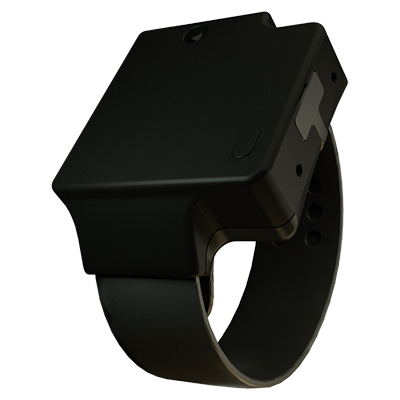
Ankle Bracelet
Ankle Bracelet for community corrections & electronic monitoring
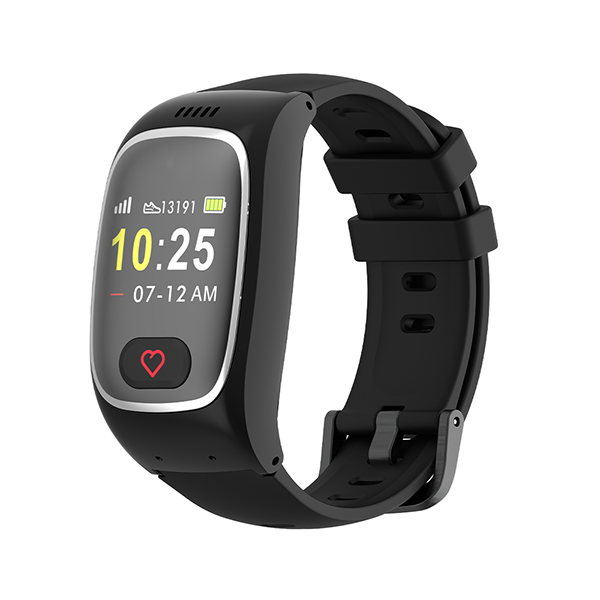
Elderly Smart Watch
The Elderly Smart Watch safeguards the safety and health of seniors.
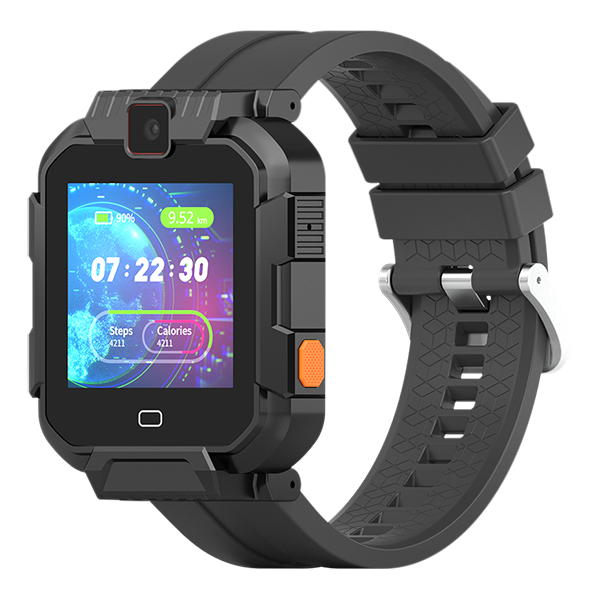
Rugged Smart Watch
Rugged Smart Watch for workforce management and tracking