How to set up geofencing in Taxbean GPS Tracking System

Cooper

How to set up geofencing in Taxbean GPS Tracking System

Geofencing is a key feature in the Traxbean GPS Tracking system, which allows users to define specific virtual boundaries on a map and trigger preset actions or notifications when tracking devices enter or leave those areas. This technology has a wide range of applications in a number of areas, including community corrections staff functions, fleet management, and personal safety.

At worksites, for example, geofencing can help businesses create virtual boundaries around specific locations to receive real-time alerts when people or vehicles enter or leave a designated area. For example, the system automatically notifies customers when a person leave at their location, improving operational efficiency and ensuring everyone is kept informed without extra effort.
  • Rugged Water Proof Smartwatch

    Rugged Water Proof Smartwatch

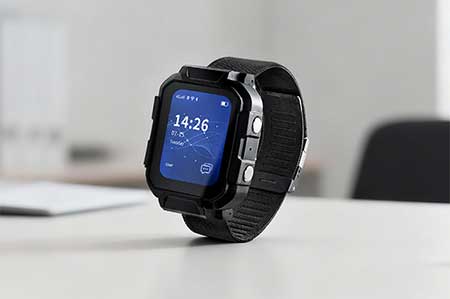
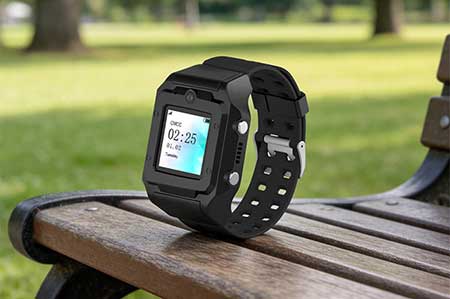
    MT4 Rugged Waterproof Smartwatch – AI-powered wearable for smart construction and mining management with real-time safety alerts and workforce tracking.
  • Electronic Bracelet Tracker

    Electronic Bracelet Tracker

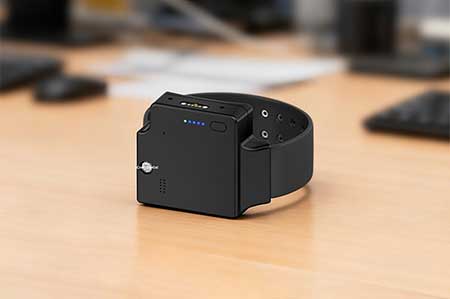
    PT880 4G Electronic Bracelet Tracker with GPS real-time tracking, tamper alert, and text & voice messaging support for pretrial and community supervision.
  • Electronic Ankle Monitor

    Electronic Ankle Monitor

    TR40 TR40 Electronic Ankle Monitor – A GPS ankle monitor with tamper-proof design and electronic fence. Ideal for pretrial monitoring, bail, community corrections, home arrest, and wander monitoring.