Add,Transfer or Delete device in the Traxbean GPS Tracking System

Cooper

Add,Transfer or Delete device in the Traxbean GPS Tracking System

How to add device and transfer or delete device in the Traxbean GPS Tracking?Adding a device and transferring or deleting a device in the Traxbean GPS Tracking System is a straightforward process designed to make device management efficient and user-friendly.These steps allow you to manage your devices with ease, ensuring that your account’s device list is always up-to-date and accurate.

For more detailed instructions or specific steps that might vary based on the system’s version, refer to the Traxbean GPS Tracking System’s user manual or contact their technical support.
  • Rugged Water Proof Smartwatch

    Rugged Water Proof Smartwatch

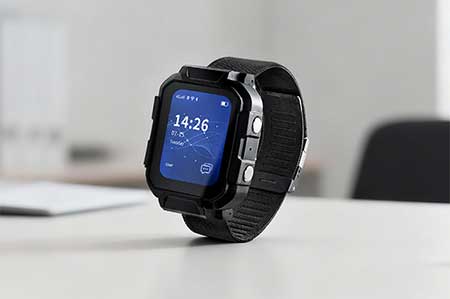
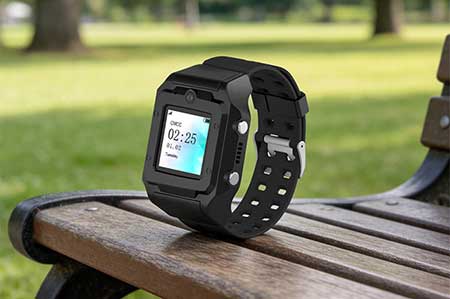
    MT4 Rugged Waterproof Smartwatch – AI-powered wearable for smart construction and mining management with real-time safety alerts and workforce tracking.
  • Electronic Bracelet Tracker

    Electronic Bracelet Tracker

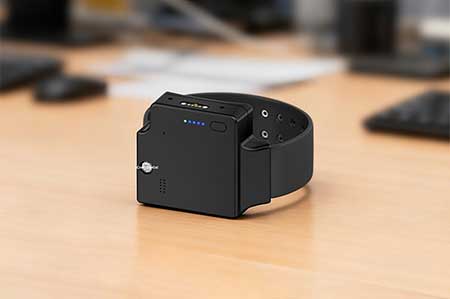
    PT880 4G Electronic Bracelet Tracker with GPS real-time tracking, tamper alert, and text & voice messaging support for pretrial and community supervision.
  • Electronic Ankle Monitor

    Electronic Ankle Monitor

    TR40 TR40 Electronic Ankle Monitor – A GPS ankle monitor with tamper-proof design and electronic fence. Ideal for pretrial monitoring, bail, community corrections, home arrest, and wander monitoring.