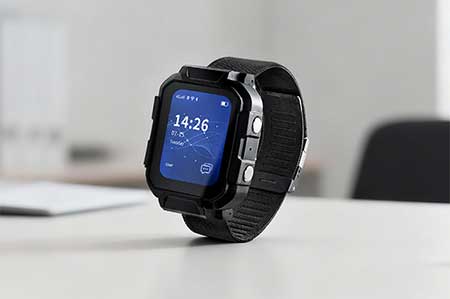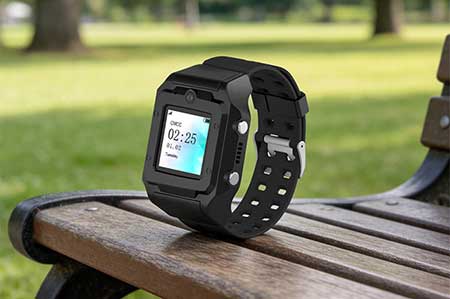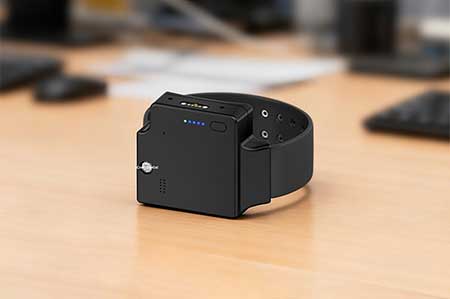
This video demonstrates the process of sending shortcut commands from a server to a target.The command refer to a series of specific commands that a server sends to a target through wireless communication networks such as GPRS/4G/Wi-Fi.A target is the combination of a person being monitored and the monitoring device they wear. Once a person is linked to a monitoring device, the system can monitor their location and health status, and interact with them through the corresponding device.
Click the link to open the demo video.https://youtu.be/9yA-ND7ryss
The steps are as follows:
- Select a shortcut command from the communication protocol file and copy it.
- From the system menu, select Business-Target.
- Select a target from the target list. Check that the target is online. Only when the target is online can the command sent by the server be successfully sent to the target.
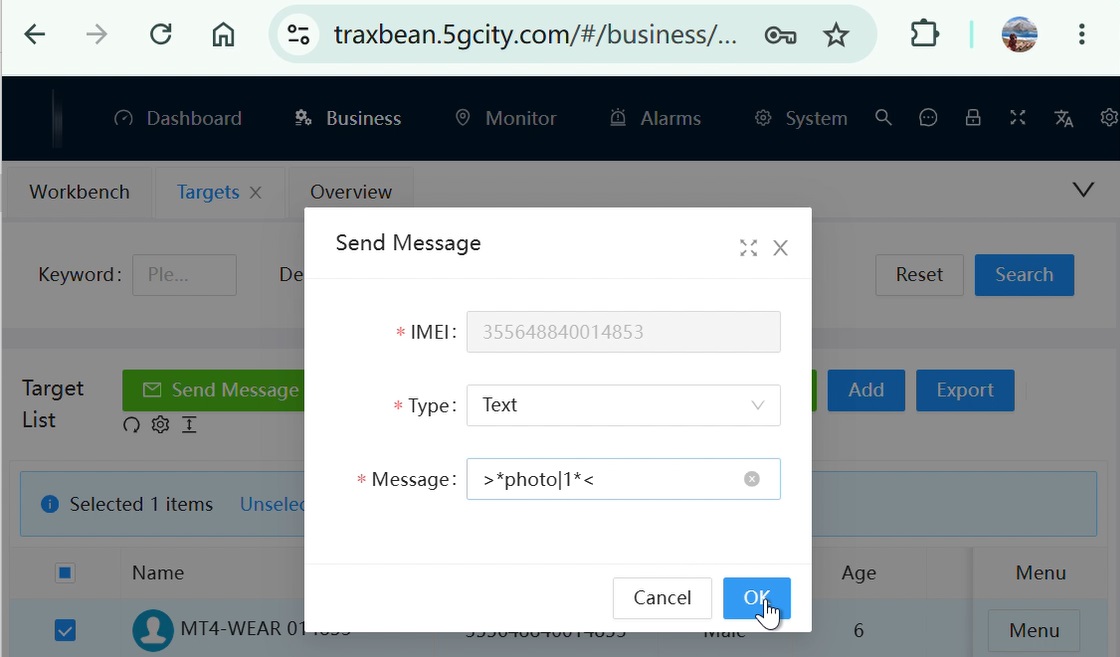
- Select one or more targets from the list and click the ‘Send message’ button above.
- Select ’Text‘,paste the command copied in step 1 into the dialog box that opens, fill in the parameters, and click OK.
- The server sends the shortcut command using a BP40 packet and displays ‘Send message successfully’.
- To check if the target has received instructions, select ‘Raw log’ from the menu of the selected device. Enter the date to query the log. BP40 packets indicate instructions sent by the server. AP40 packets indicate that the device has received the instructions and is sending the execution results back to the server.
For more details, please click the link to download and view the communication protocol.https://www.thinkrace.com/thinkrace-electronic-monitoring-documentation/